
XTranslate — AI-powered translator for websites & PDFs
Instantly translate full pages, documents or any selected text right where you read
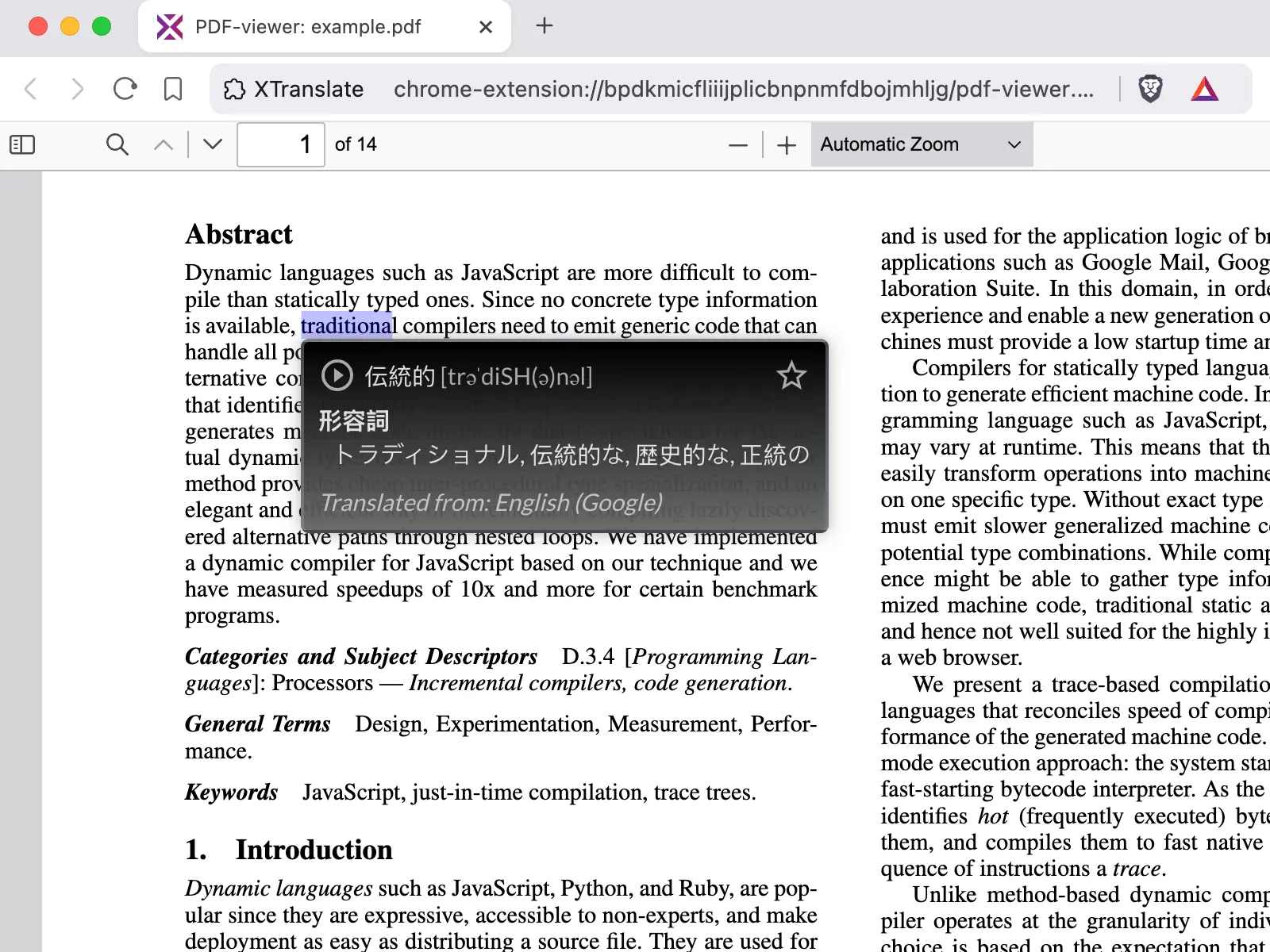
It will help you to learn and understand foreign languages and get real-time in-place text translation of selected text from HTML or PDF documents and even get full web-page text translation.
Translate from 100+ foreign languages to your native language directly at web-site you're reading or type some text at extension main window to get instant text translation.

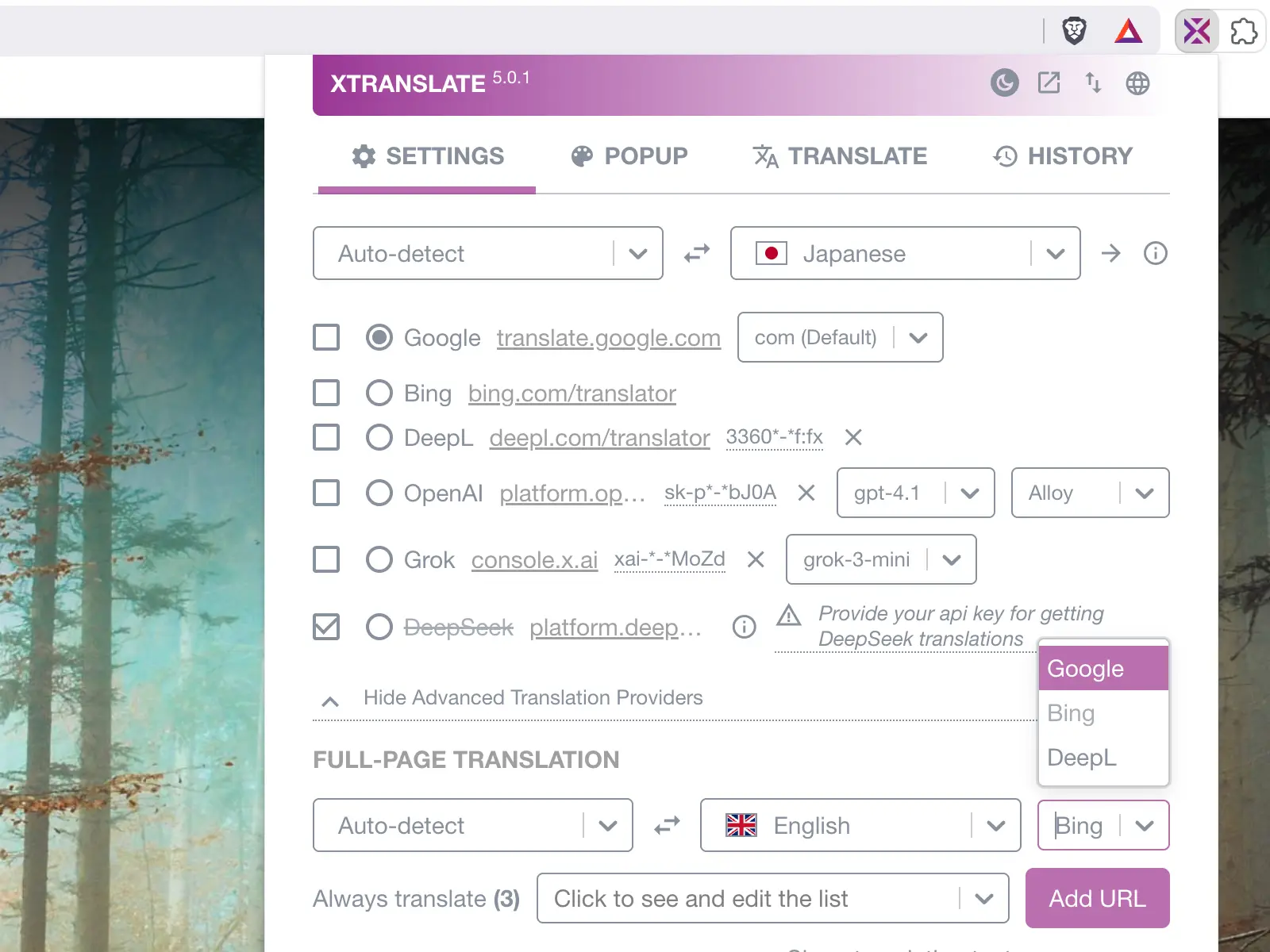
Available translation providers
- Google (free)
- Bing (free)
- XTranslate PRO (AI-based / paid subscription)
Features
Many ways to get text translation from web-pages:
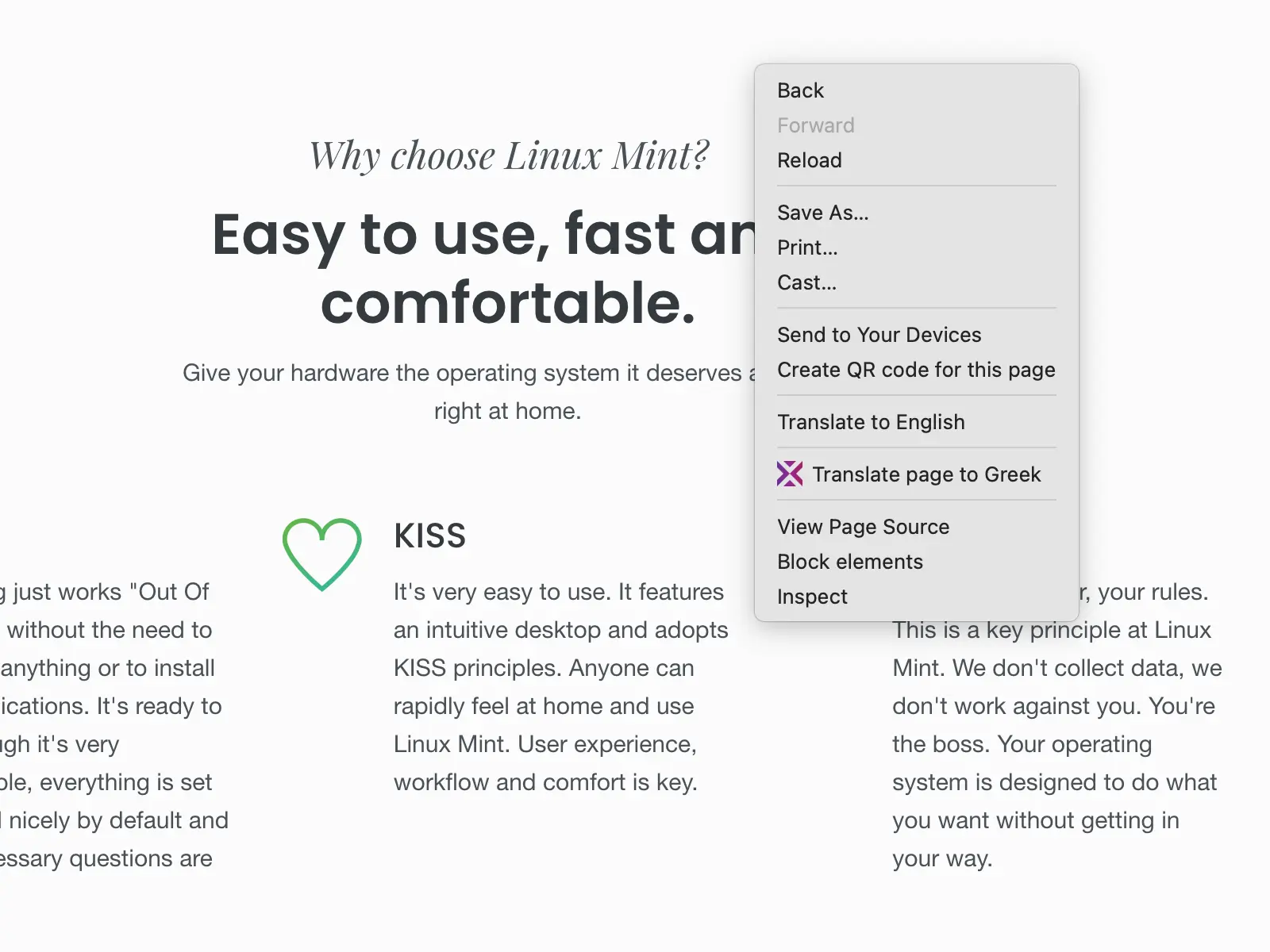
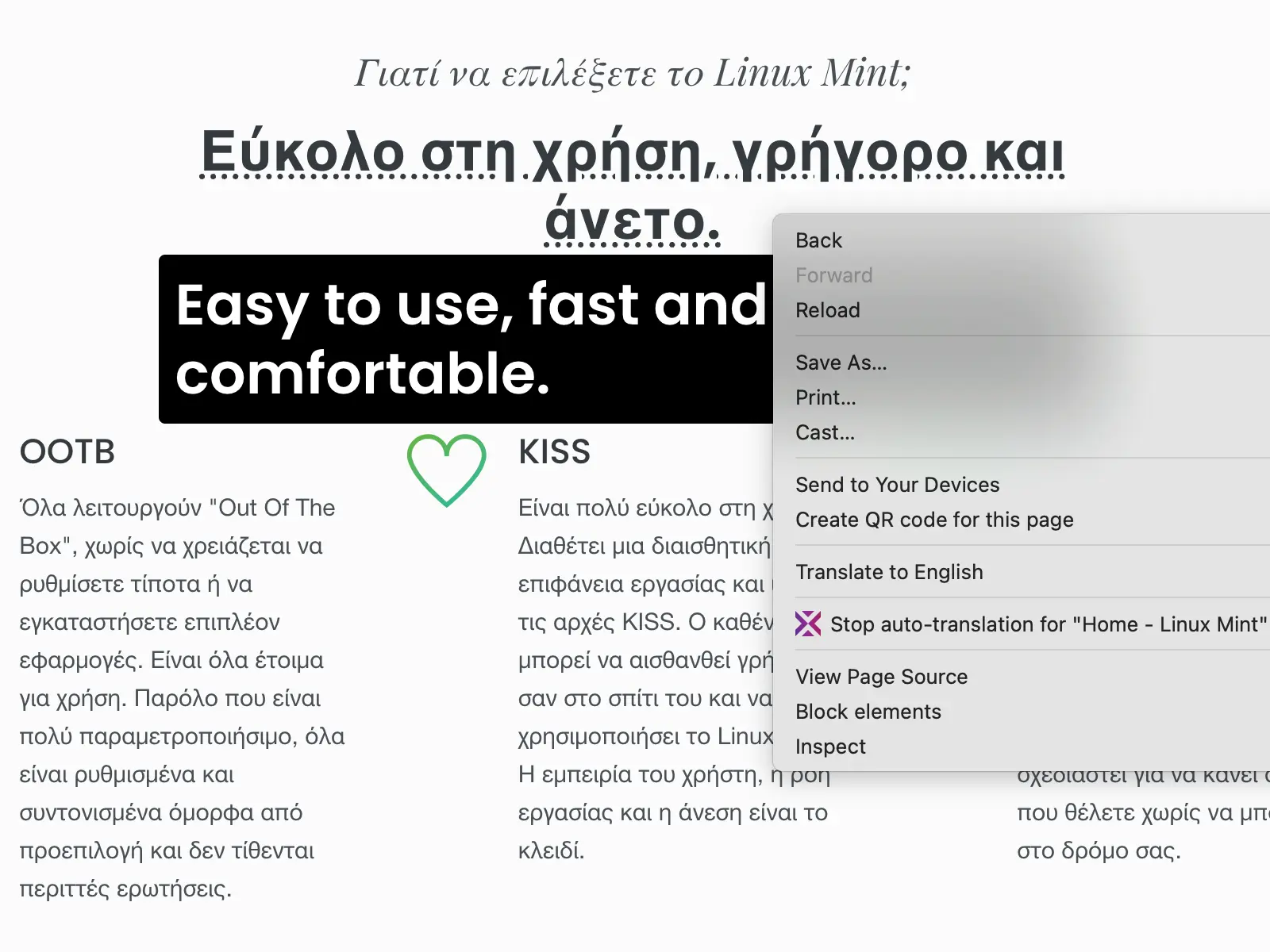
- Get full-page text translation (via browser’s context-menu, extensions toolbar icon or app's action-window)
- Get translation in-place by double-clicking a word
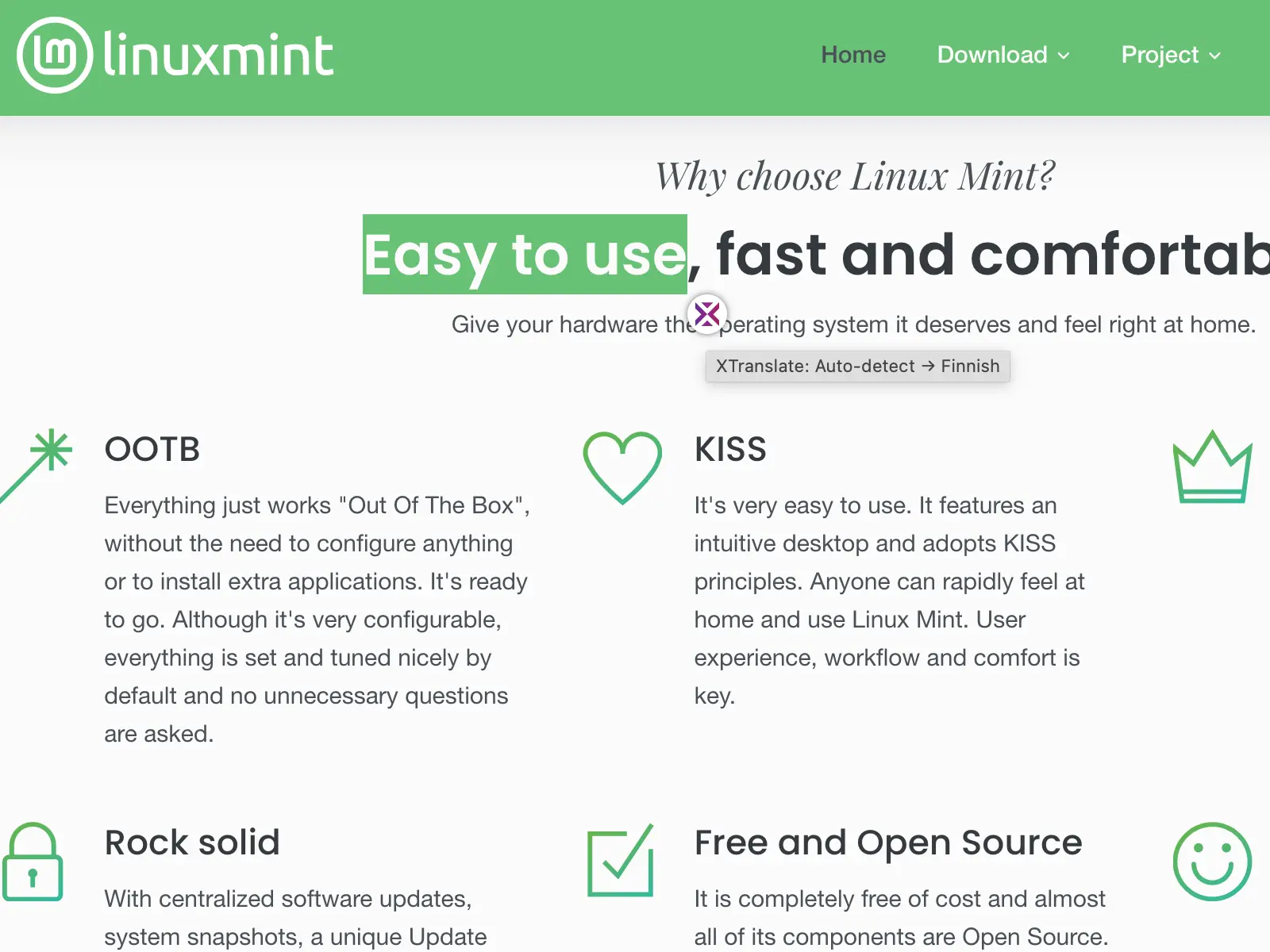
- Select text and click the translation icon that appears nearby
- Click the selected text itself (turned off by default)
- Get translation immediately after text selection (turned off by default)
- Mouse over a block of text and press the predefined hotkey in settings (Alt+Shift+X by default)
- PDF files are supported for in-place translations (requires enabling the custom PDF.js viewer in app settings)
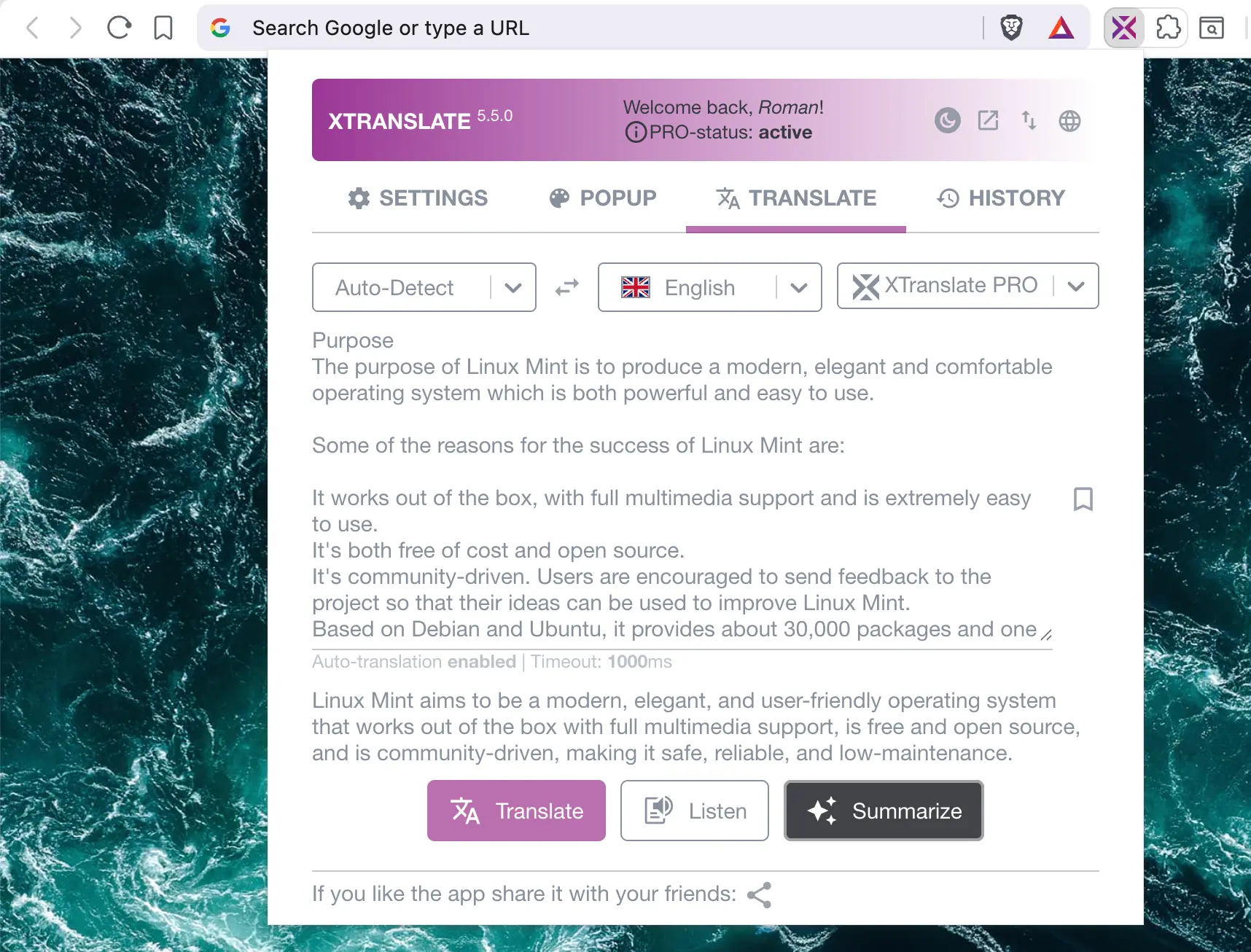
- Type your text in the app’s “Translate” tab (extension action-window); we recommend setting a hotkey at
chrome://extensions/shortcuts - Listen text-to-speech (TTS) from all supported providers (e.g Google, OpenAI) or with the browser's speech-synthesis engine
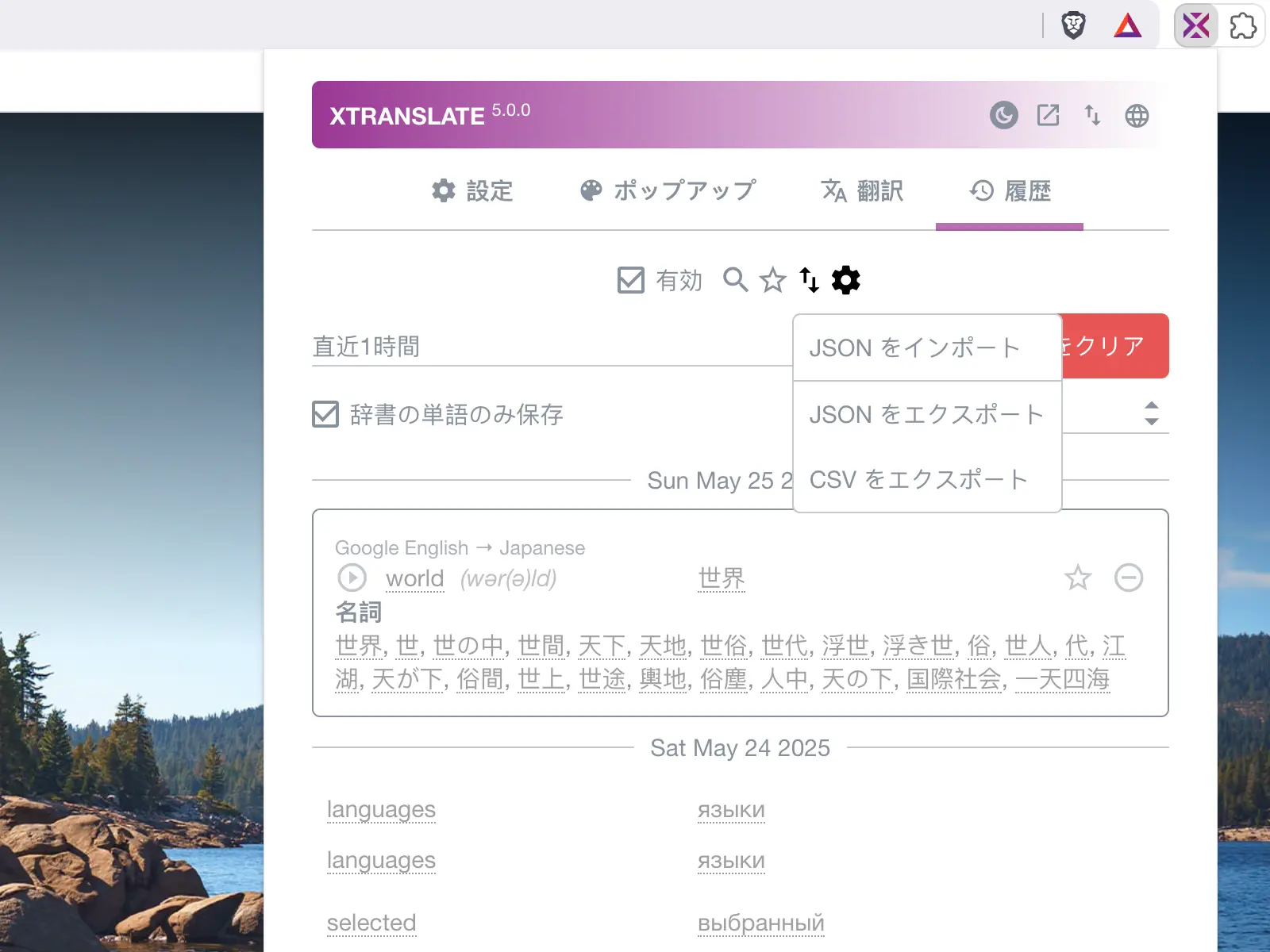
- Save favourite translations as quick bookmarks in history
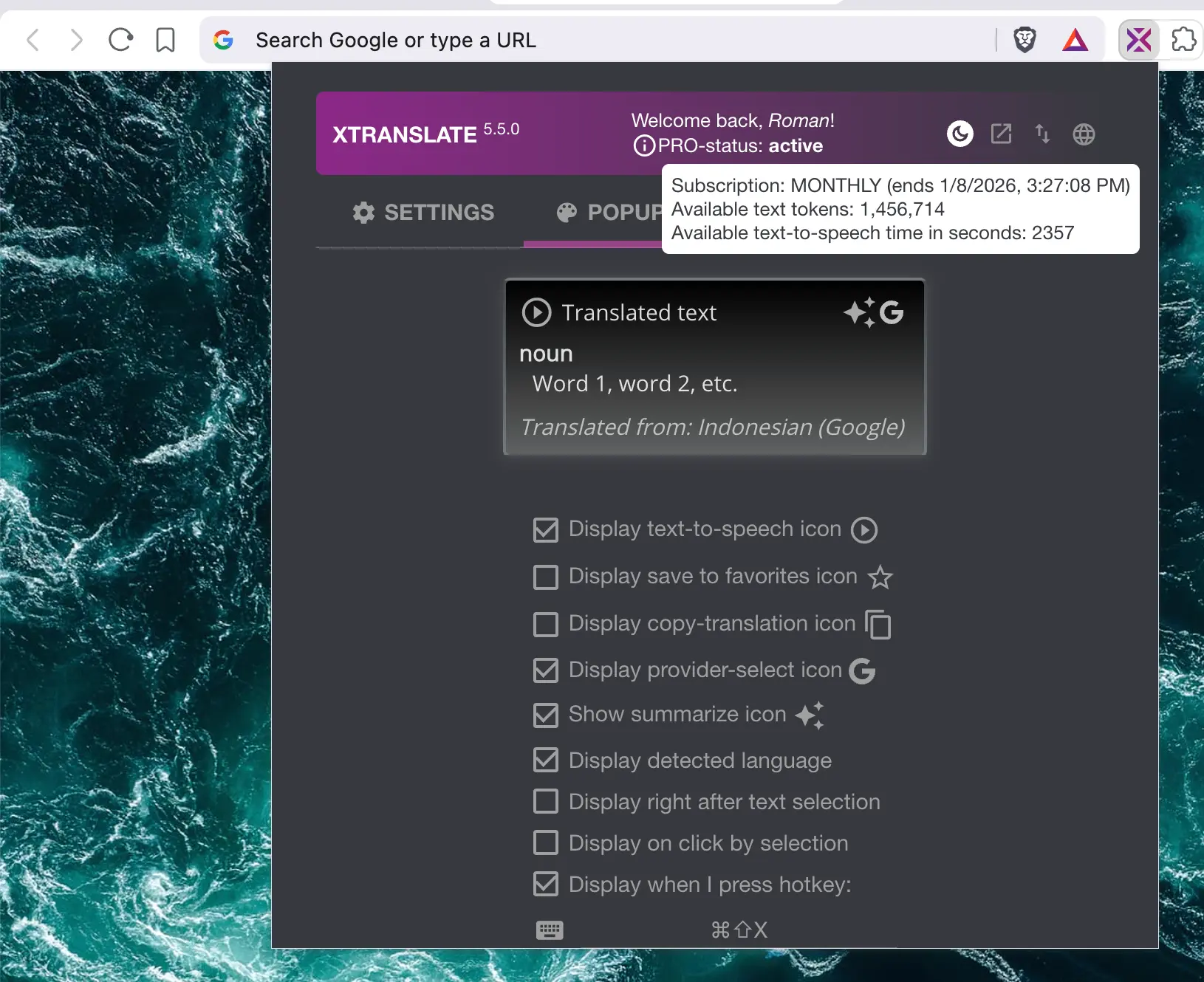
- Adjust the translation popup design — font size, colors, etc.
- View and edit the history of translations